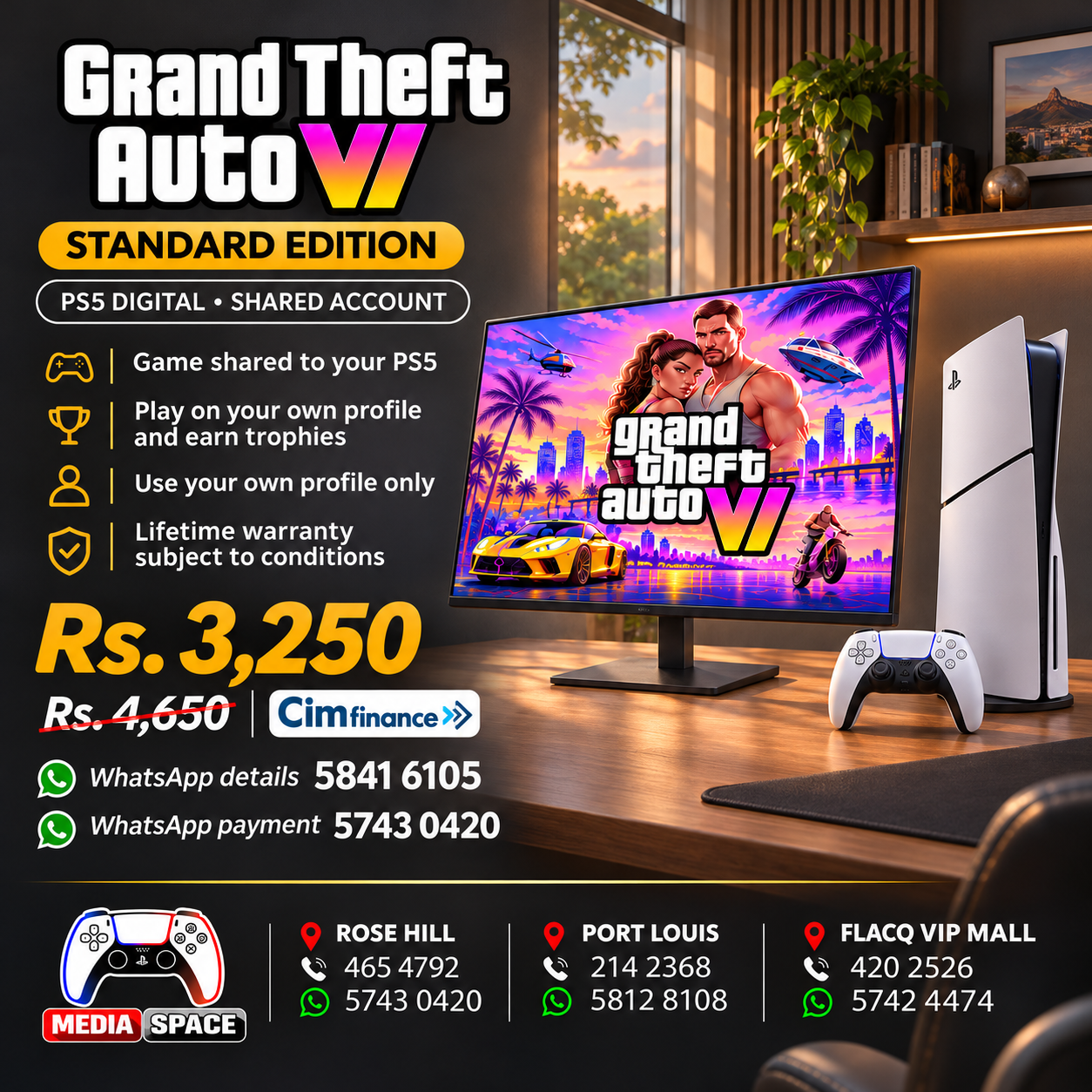
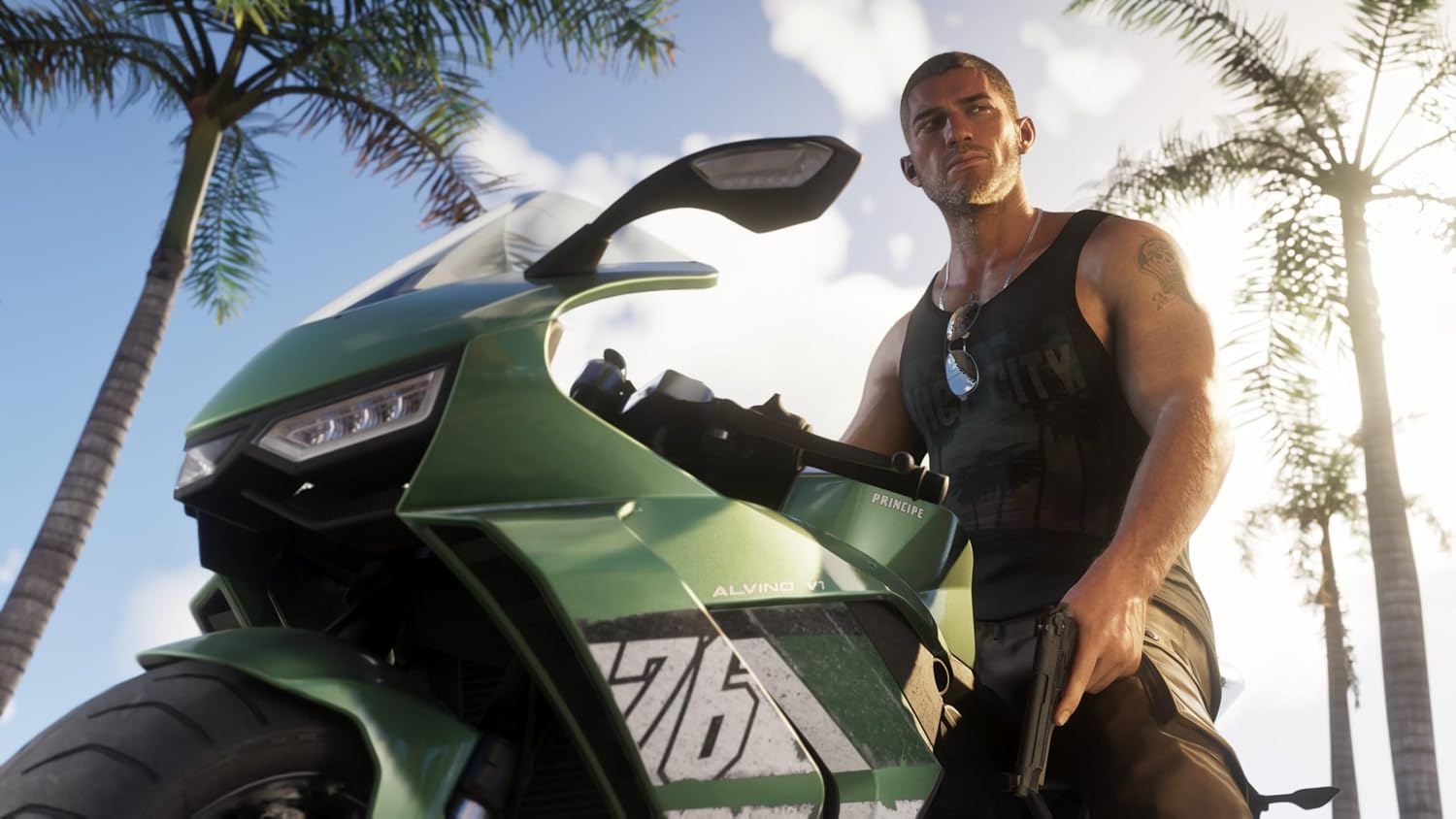
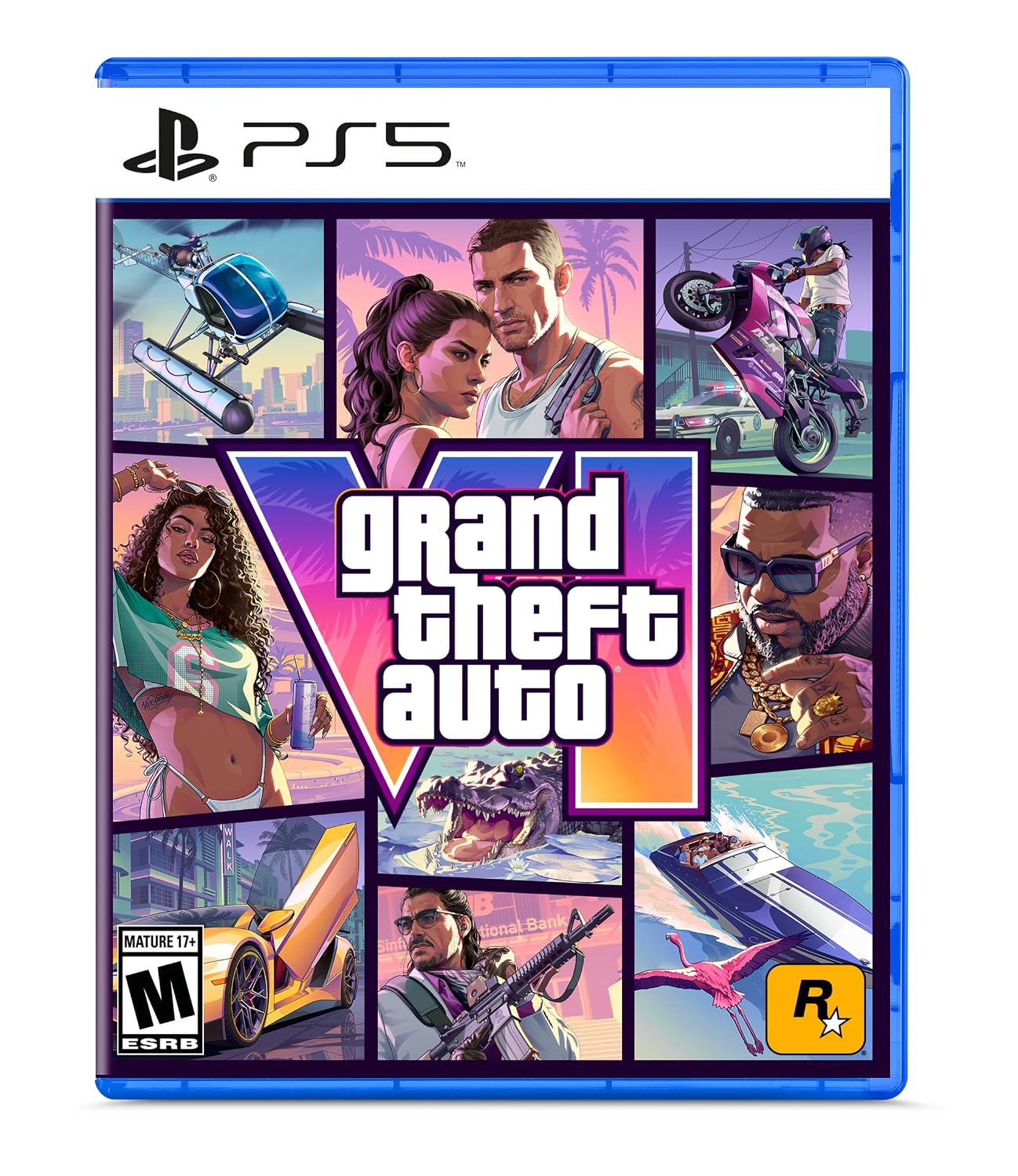
Experience Rockstar Games’ open-world adventure featuring Jason and Lucia.
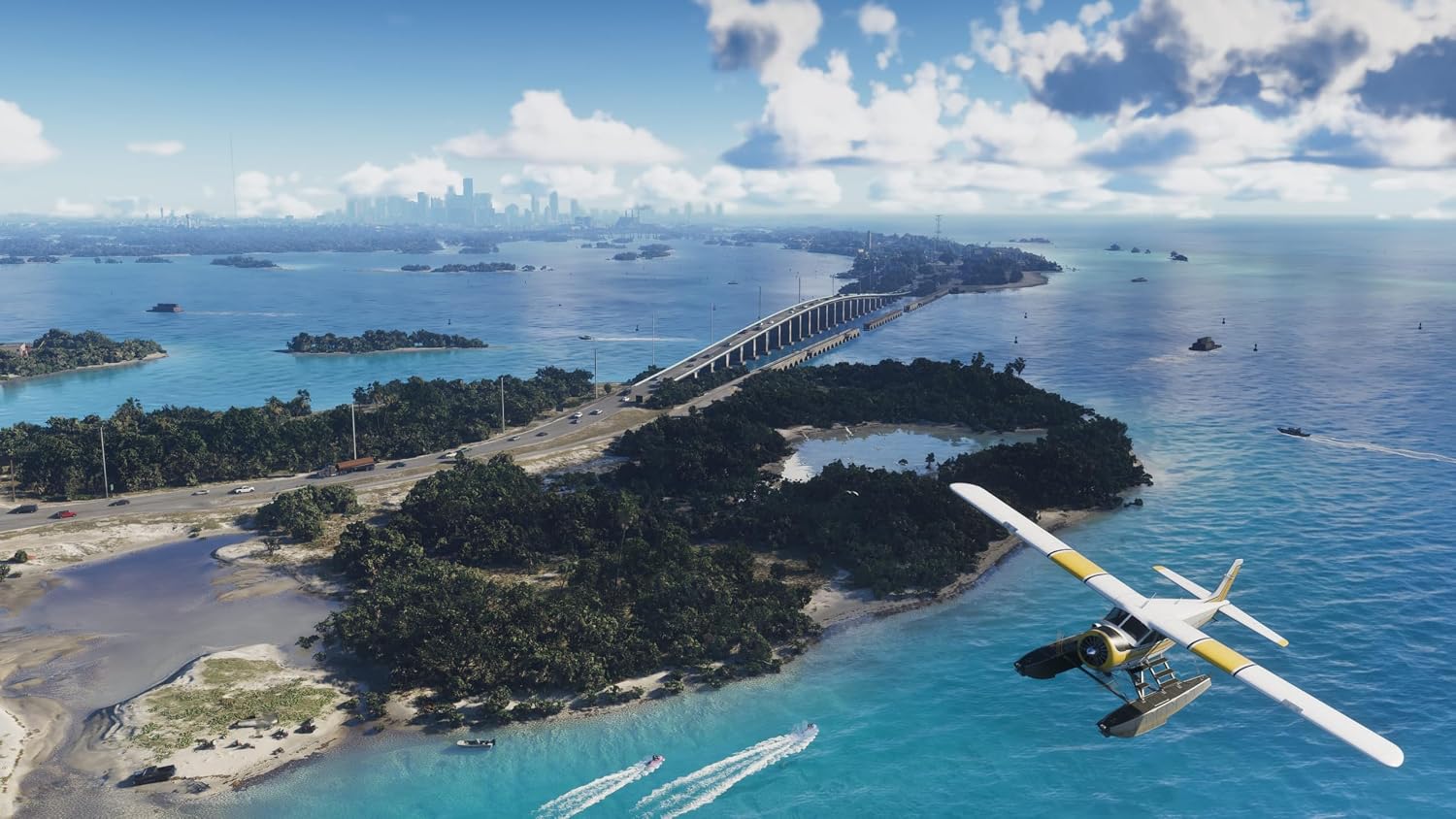
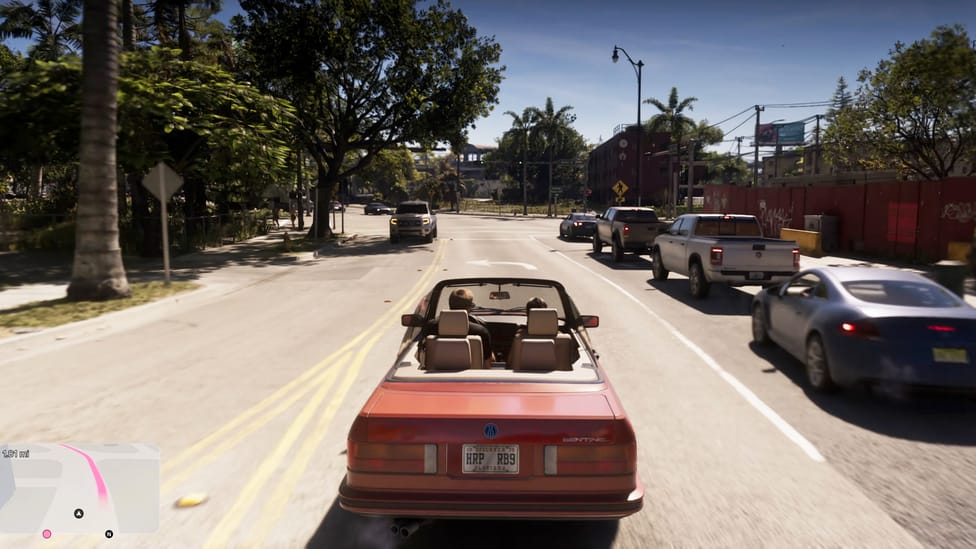
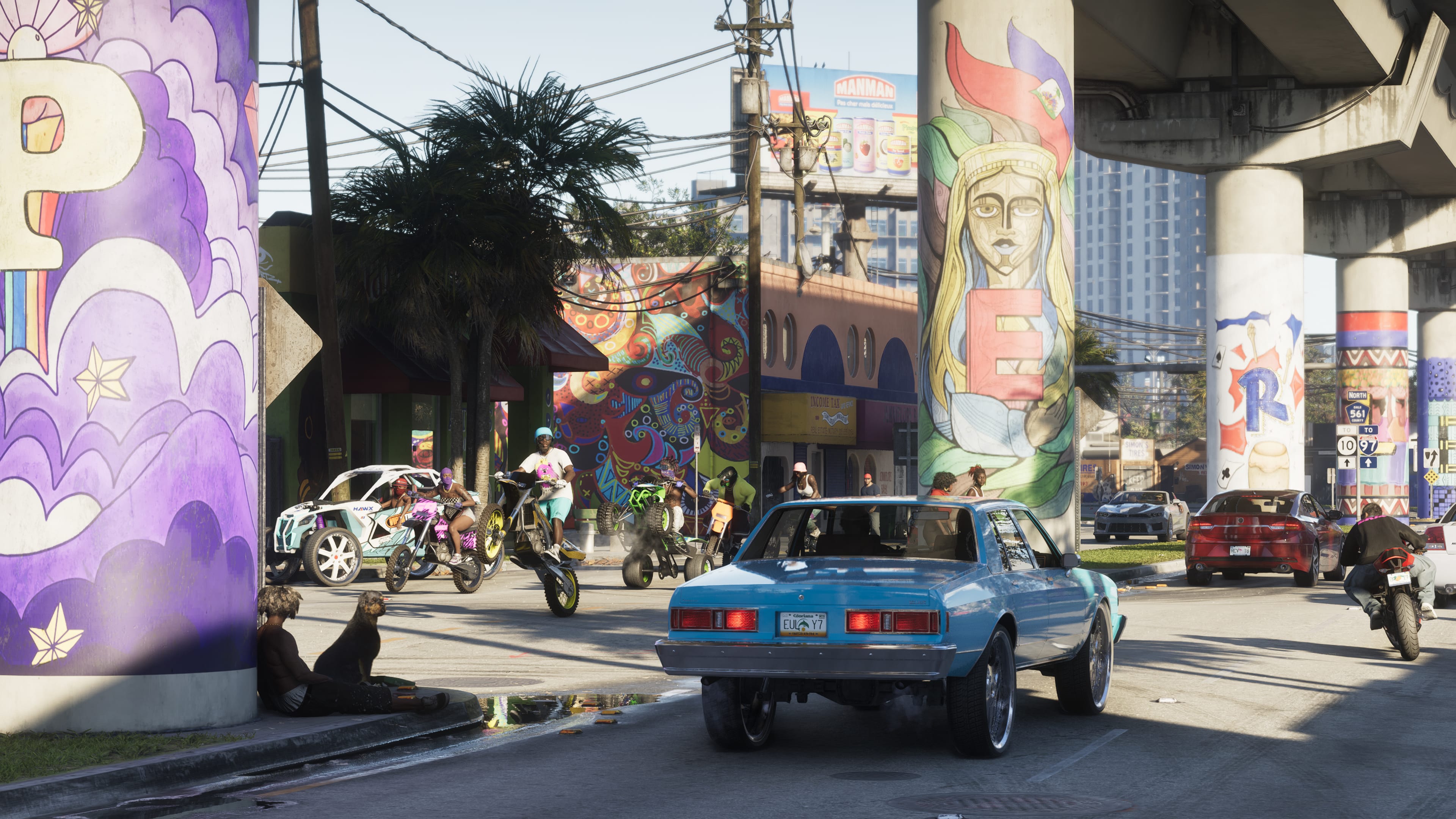
Explore Vice City, discover Leonida and enjoy an immersive story filled with action and driving.
👥 DIGITAL SHARED ACCOUNT
Game access is provided through a shared PlayStation account.
The game licence belongs to the purchasing account, not automatically to the customer’s personal PSN account.
📥 DIGITAL DOWNLOAD
Download the game directly onto a compatible PlayStation 5 console.
No physical disc or retail game box is required.
🌍 PS5 ACCOUNT COMPATIBILITY
Digital game access does not depend on a physical disc region.
However, the purchasing account’s region, sharing configuration and applicable PlayStation restrictions still matter.
🔐 PLAYSTATION CONSOLE SHARING
PlayStation supports sharing eligible digital purchases through Console Sharing and Offline Play.
This feature can be enabled on one PS5 console per purchasing account at a time.
PlayStation
📦 WHAT’S INCLUDED
🎮 Grand Theft Auto VI Standard Edition Digital Game Access
👥 Shared PSN Account Access, Subject to Seller Terms
📥 Digital Download & Setup Instructions
Note: No physical box, disc, personal-account game licence or Ultimate Edition content is included.
🛡️ WARRANTY
Digital Product – Supplier Terms & Conditions Apply. Continued access and support depend on the shared-account arrangement.
HOW DOES IT WORK
🎮 PS5 Digital Game Setup Guide
VIDEO EXPLANATION
1. Add the Account
From the PS5 Home Screen, open your Profile and go to:
Switch User → Add User → Get Started → Agree & Confirm
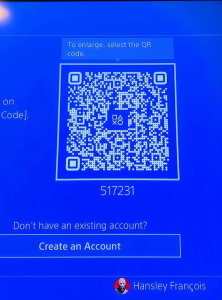
2. Send the QR Code Photo
When the QR Code appears, take a clear photo of the entire screen, making sure the 6-digit code below the QR code is visible.
📷 Send me the photo and wait for my confirmation. If code changes , please resend photo
3. Sign In
After I confirm, press Sign In.
You will be logged into the account automatically.
4. Return to the Home Screen
Skip any setup screens until you reach the PS5 Home Screen.
5. Enable Console Sharing & Offline Play
Go to:
Settings → Users and Accounts → Other → Console Sharing & Offline Play
Turn Console Sharing & Offline PlayON.
❗ If you receive an error, send me a photo of the error message.
6. Download Your Games
Open:
Game Library → Your Collection
Select your games and start downloading them.
7. Switch Back to Your Profile
As soon as the download starts, switch back to your own PS5 profile.
✅ Always play your games from your own profile.
❌ Do not play from the purchased account.
8. Keep the Purchased Account
Do not delete the purchased account from your console. It is required for your games to work.
9. If Your Games Become Locked
Sign back into the purchased account and enable Console Sharing & Offline Play again.
This usually fixes the issue.
If the problem continues, contact us for assistance.
🛡️ Lifetime Warranty
This digital game account includes a Lifetime Warranty provided by Media Space, as long as the account rules are followed.
📱 WhatsApp Support:5743 0420
PAYMENT INFO
Payment
Payment Method: MCB Juice only
VAT Invoice provided by Media Space Rose Hill.
Ordering
📱 WhatsApp:5743 0420
To complete the installation, we will need approximately 10 minutes with you in front of your PS5 connected to the Internet.
Digital Installation Hours
🕐 Every day from 13:00 to 21:00
Payment After Installation
✅ You can pay after the game has been successfully downloaded and tested.
Warranty
🛡️ Lifetime Warranty provided by Media Space, subject to our digital account terms and conditions.
Warranty
🛡️ Lifetime Warranty
Your purchase includes a Lifetime Warranty from Media Space.
To keep your warranty valid, simply play the game only from your own PS5 profile. The purchased account is only for downloading and verifying the game. Do not use the purchased account to play.
As long as you follow these instructions and keep the purchased account on your console, you should never experience any issues.
If you ever need assistance, simply WhatsApp us on 5743 0420. Our team will be happy to help.
🔒 If Your Game Is Locked
Don’t worry—this can occasionally happen and is usually very easy to fix.
Switch to the profile used to install the game.
Go to Settings → Users and Accounts → Other.
Select Console Sharing & Offline Play and make sure it is enabled.
Switch back to your own profile and try launching the game again.
If the game is still locked, simply WhatsApp us on 5743 0420.
We’ll log the account back in for you and get everything working again. This issue is rare, but if it does happen, we’re ready to help and will resolve it as quickly as possible.

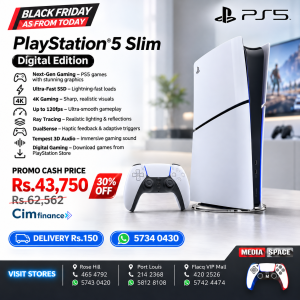 Sony PlayStation 5 Slim 1TB Digital Edition Console Gaming Console





 Black Friday 2026 27 28 29, Game Accessory, NEW PRODUCTS
 Black Friday 2026 27 28 29, Game Accessory, NEW PRODUCTS
 Black Friday 2026 27 28 29, Gaming, NEW PRODUCTS, PlayStation 4 PS4 DISC GAMES