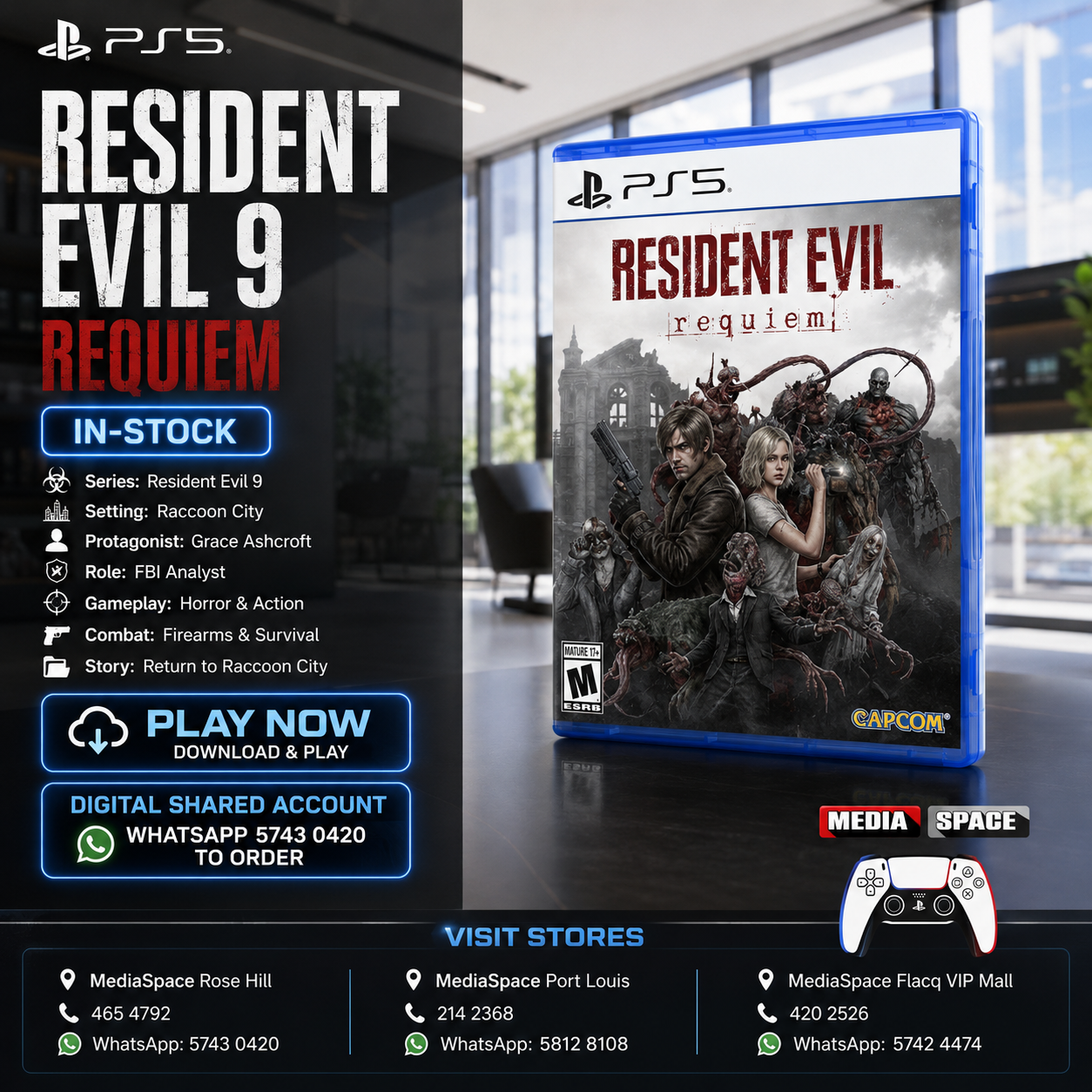
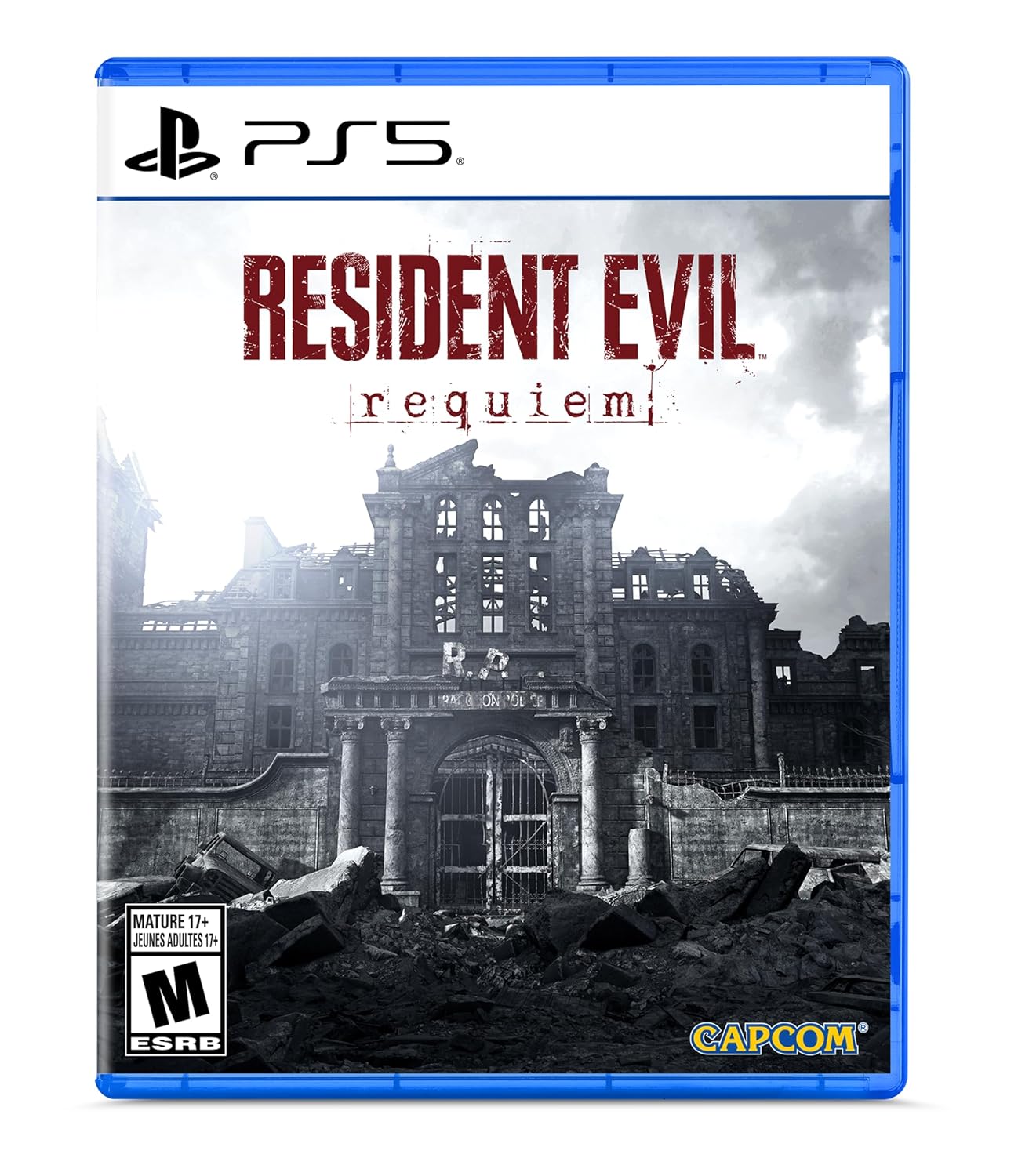

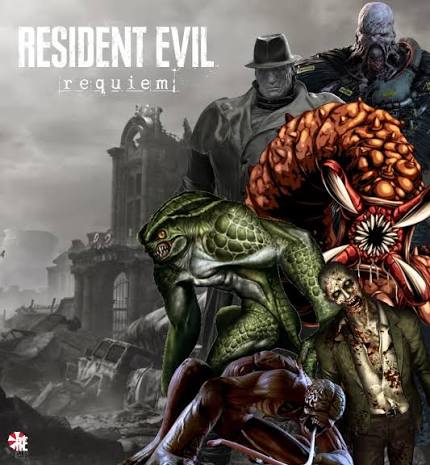
Resident Evil 9 Requiem PS5 Digital edition
₨2,875.00 ₨3,306.00
From the manufacturer


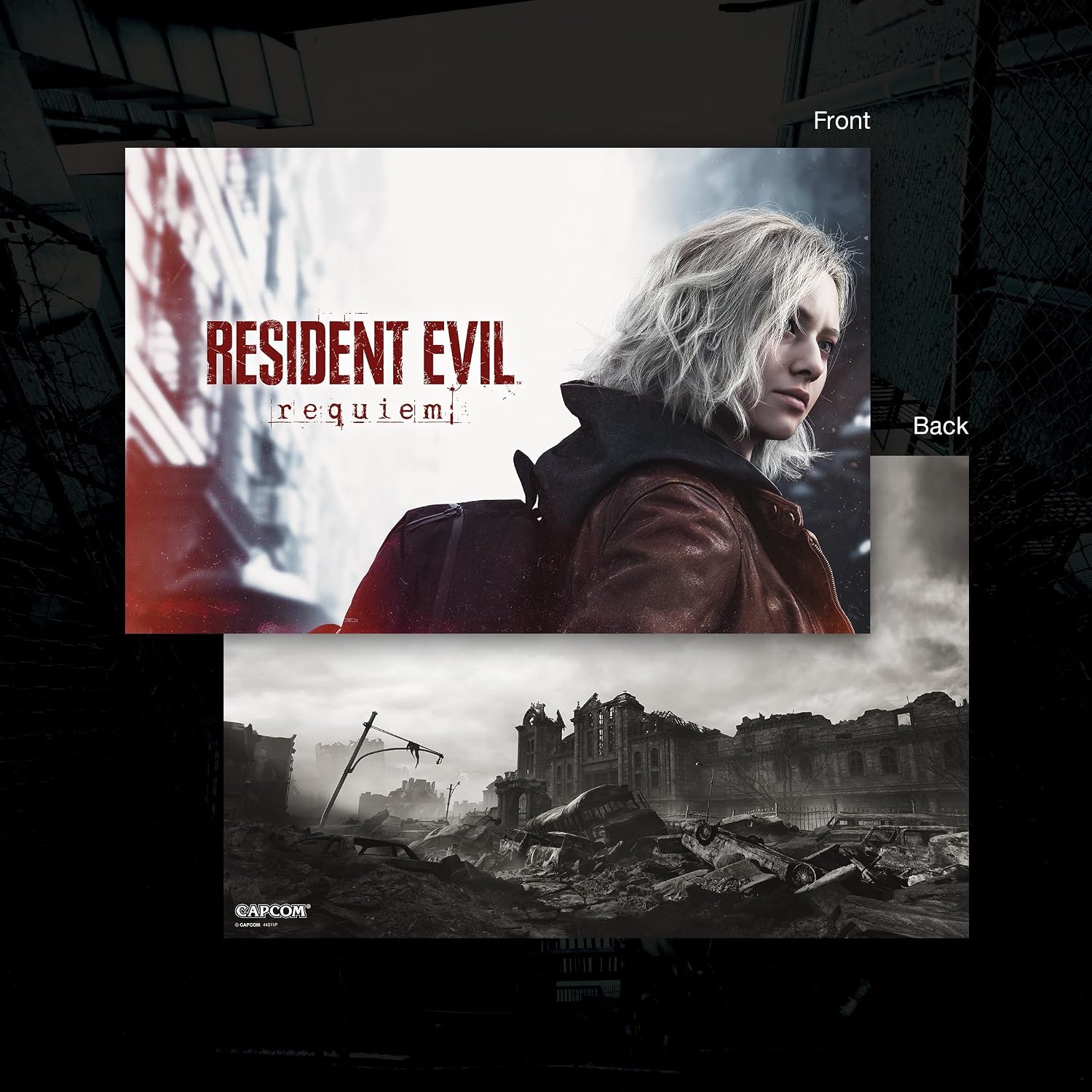
An All-New Protagonist: Meet Grace Ashcroft, an FBI intelligence analyst who is introverted and easily scared, representing a new type of character for the Resident Evil series. Grace will experience horror from the same perspective as the player as she learns to overcome her fears throughout the course of the story. Though timid, she’s also trained with firearms and uses deductive reasoning to stay calm under pressure.

Pre-orders for Resident Evil Requiem are now open, with the bonus of Grace’s costume: Apocalypse. Please note that the picture weapon does not come with the costume, but it can be obtained in-game.

-
PS Plus required for online play
-
Supports up to 4 online players with PS Plus
-
Online play optional
-
1 player
-
PS5 and PS Portal cloud streaming supported only with Premium subscription
-
PS5 VersionVibration function supported (DualSense wireless controller)
■Overview
Full Stride is an authentic jockey racing game where you take on the role of a jockey and challenge the race.
Feel the tension as the gates open, fight for position within the pack, decide when to make your move, and experience the thrill of a head-to-head battle down the final stretch.As a jockey, ride alongside your trusted horse and aim for victory in G1 races.Key Features■Experience Unmatched Immersion from the Jockey’s Perspective
During races, you can experience the action through multiple dynamic camera angles, including the “Jockey Cam,” which brings you close to the viewpoint of a real jockey.
Feel the movement of the horses ahead, the approaching corners, and the pressure of the pack as you make your own decisions and carve out a path to victory.■Positioning, Pace, and Timing Decide the Race
Speed alone is not enough to win.
You must understand each horse’s running style, distance aptitude, stamina, and sprint ability, then judge the pace during the race and decide the right moment to make your move.
Whether your horse can give everything in the final stretch depends on your ride.■Meet a Variety of Racehorses and Aim for the Top
Build your career, encounter new racehorses, and aim for victory from allowance races to graded stakes, and ultimately G1 races.
Each win opens a new path in your journey as a jockey.
Online multiplayer allows up to four players to join the same race.
Positioning within the pack, timing your move, and battling down the final stretch.
The mind games against other players bring even more tension to every race.■Create Your Ideal Race with Edit Features and Photo Mode
Edit racehorses’ names, appearances, abilities, and more to enjoy your own custom race scenes.
After the race, you can look back on memorable moments through replays and Photo Mode.
Capture the moment of victory with your horse as a powerful, unforgettable shot.
HOW DOES IT WORK
🎮 PS5 Digital Game Setup Guide
VIDEO EXPLANATION
1. Add the Account
From the PS5 Home Screen, open your Profile and go to:
Switch User → Add User → Get Started → Agree & Confirm
2. Send the QR Code Photo
When the QR Code appears, take a clear photo of the entire screen, making sure the 6-digit code below the QR code is visible.
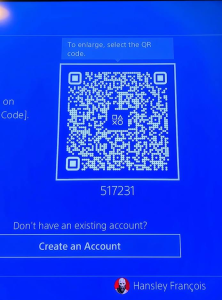
📷 Send me the photo and wait for my confirmation. If code changes , please resend photo
3. Sign In
After I confirm, press Sign In.
You will be logged into the account automatically.
4. Return to the Home Screen
Skip any setup screens until you reach the PS5 Home Screen.
5. Enable Console Sharing & Offline Play
Go to:
Settings → Users and Accounts → Other → Console Sharing & Offline Play
Turn Console Sharing & Offline Play ON.
❗ If you receive an error, send me a photo of the error message.
6. Download Your Games
Open:
Game Library → Your Collection
Select your games and start downloading them.
7. Switch Back to Your Profile
As soon as the download starts, switch back to your own PS5 profile.
✅ Always play your games from your own profile.
❌ Do not play from the purchased account.
8. Keep the Purchased Account
Do not delete the purchased account from your console. It is required for your games to work.
9. If Your Games Become Locked
Sign back into the purchased account and enable Console Sharing & Offline Play again.
This usually fixes the issue.
If the problem continues, contact us for assistance.
🛡️ Lifetime Warranty
This digital game account includes a Lifetime Warranty provided by Media Space, as long as the account rules are followed.
📱 WhatsApp Support: 5743 0420
PAYMENT INFO
Payment
- Payment Method: MCB Juice only
- VAT Invoice provided by Media Space Rose Hill.
Ordering
📱 WhatsApp: 5743 0420
To complete the installation, we will need approximately 10 minutes with you in front of your PS5 connected to the Internet.
Digital Installation Hours
🕐 Every day from 13:00 to 21:00
Payment After Installation
✅ You can pay after the game has been successfully downloaded and tested.
Warranty
🛡️ Lifetime Warranty provided by Media Space, subject to our digital account terms and conditions.
Warranty
🛡️ Lifetime Warranty
Your purchase includes a Lifetime Warranty from Media Space.
To keep your warranty valid, simply play the game only from your own PS5 profile. The purchased account is only for downloading and verifying the game. Do not use the purchased account to play.
As long as you follow these instructions and keep the purchased account on your console, you should never experience any issues.
If you ever need assistance, simply WhatsApp us on 5743 0420. Our team will be happy to help.
🔒 If Your Game Is Locked
Don’t worry—this can occasionally happen and is usually very easy to fix.
- Switch to the profile used to install the game.
- Go to Settings → Users and Accounts → Other.
- Select Console Sharing & Offline Play and make sure it is enabled.
- Switch back to your own profile and try launching the game again.
If the game is still locked, simply WhatsApp us on 5743 0420.
We’ll log the account back in for you and get everything working again. This issue is rare, but if it does happen, we’re ready to help and will resolve it as quickly as possible.
Related products
-
NEW PRODUCTS, PlayStation 4 PS4 DISC GAMES
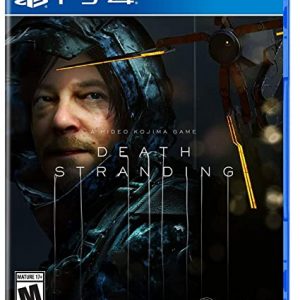
DEATH STRANDING
NEW SEALED IN BOX
WhatsApp 57430420 or call 4654792 or 4656278 or 2142368
You can also message us on Facebook or Instagram account name mediaspace.mu
Games can be bought via Cash/Juice/CIM/Rogers.
We also offer delivery services Rs.250 anywhere in Mauritius in less than 48Hoursor by Post office for Rs.90 within 5 working days
SKU: n/a -
NEW PRODUCTS, Power Supply
SILVERSTONE ET650
- High efficiency with 80 PLUS Bronze certification
- 24/7 continuous power output with 40℃ operating temperature
- Class-leading single +12V rail
- Silent running 120mm fan with 18 dBA
- PCI-E 8pin and PCI-E 6pin connectors support
- All-black flat cables design
- Dual EPS 8pin with multiple PCI-E 8 / 6pin connectors support (V1.4)

 SKU: n/a
 -
Canon Battery, NEW PRODUCTS
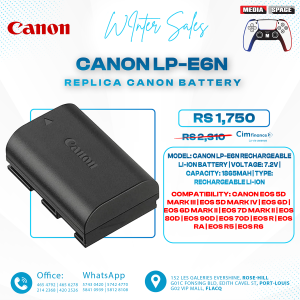
Canon LP-E6N
⭐ ABOUT THIS ITEM
- 🔋 1865mAh Rechargeable Lithium-ion Battery
- ⚡ 7.2V rated voltage
- 📸 Designed for compatible Canon EOS cameras
- 🎥 Suitable for photography & video recording
- 🔄 Ideal replacement or spare battery
- 📊 Compatible cameras can display battery information
- 🔌 Compatible with Canon LC-E6 / LC-E6E chargers
- 🎒 Compact and portable design
⭐ ABOUT THIS ITEM
- 🔋 1865mAh Rechargeable Lithium-ion Battery
- ⚡ 7.2V rated voltage
- 📸 Designed for compatible Canon EOS cameras
- 🎥 Suitable for photography & video recording
- 🔄 Ideal replacement or spare battery
- 📊 Compatible cameras can display battery information
- 🔌 Compatible with Canon LC-E6 / LC-E6E chargers
- 🎒 Compact and portable design
SKU: n/a