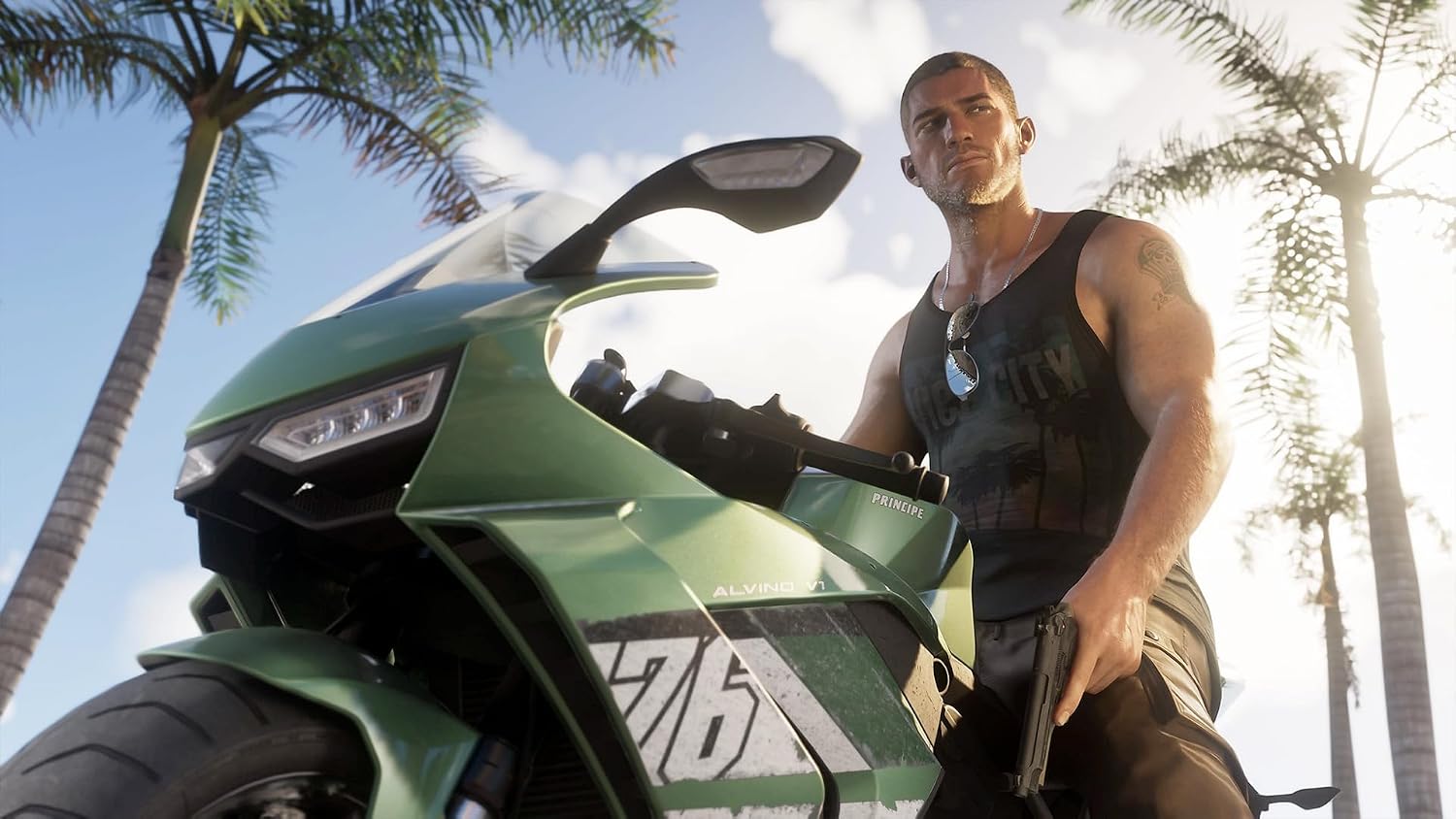

Grand Theft Auto VI: Standard Edition Digital PS5 Shared Account System!
₨3,250.00 ₨4,290.00

ONCE YOU ORDER. COUNTDOWN WILL APPREAR DIRECTLY IN PS5
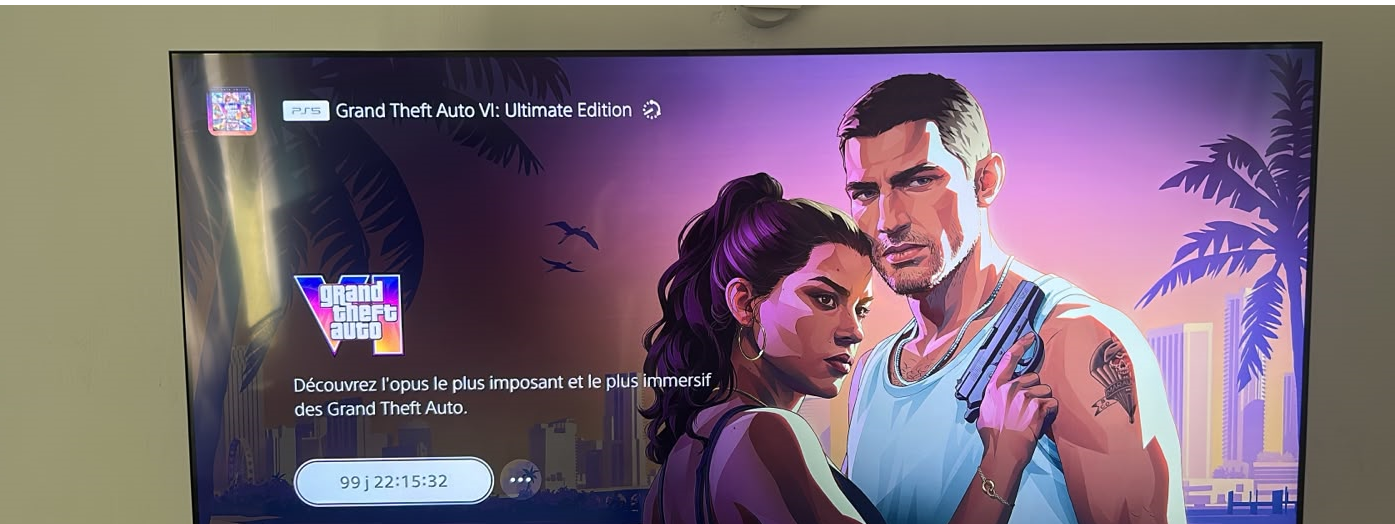
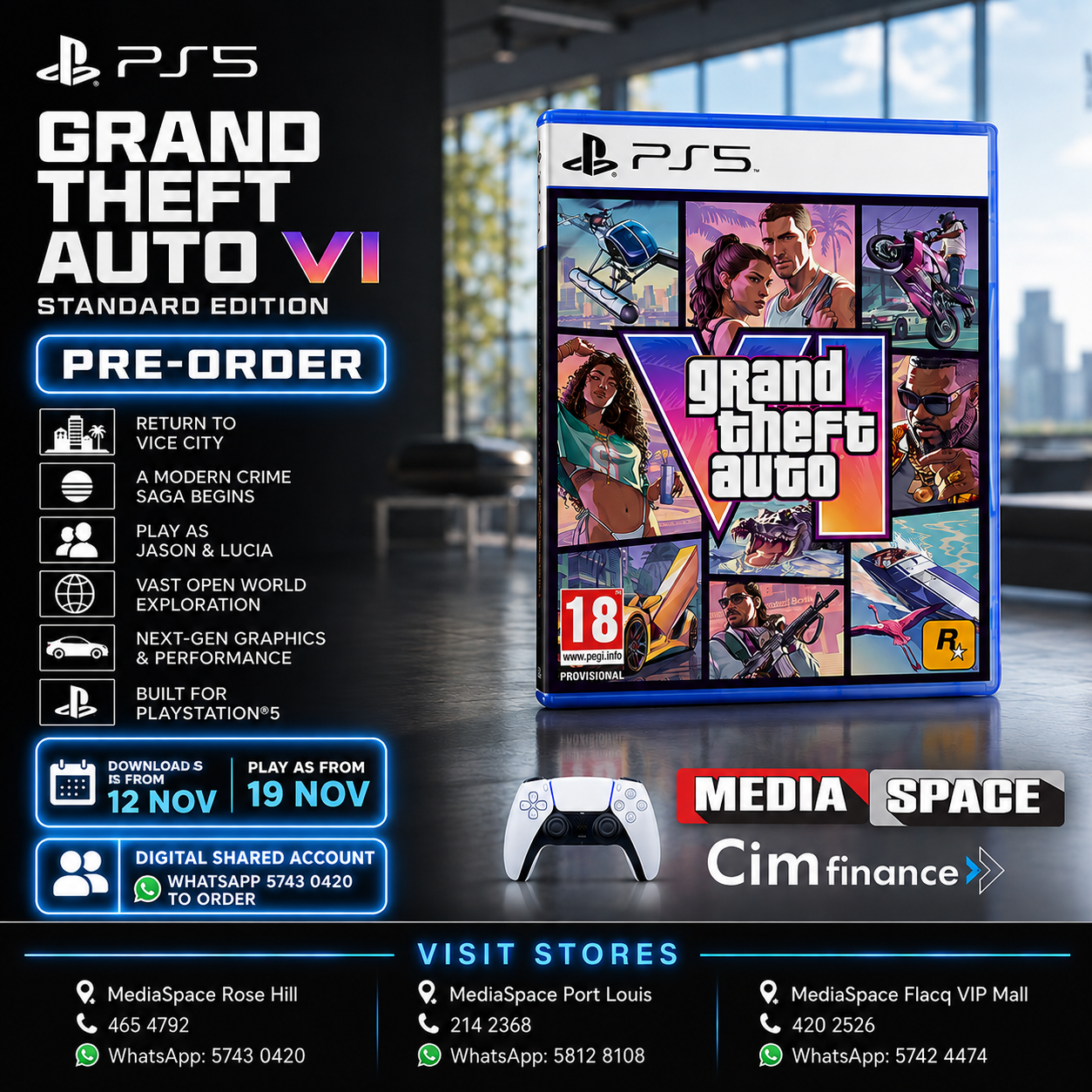
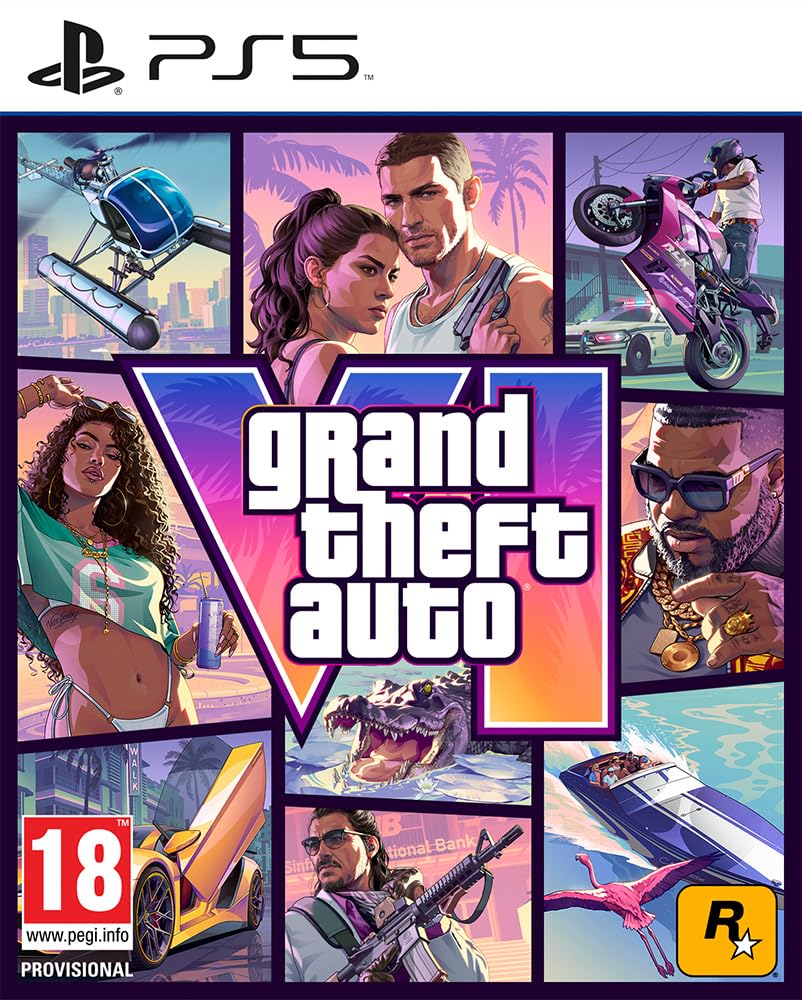
🎮 PS5® Grand Theft Auto VI | Rockstar Games | GTA 6 Standard Edition
GENERAL FEATURES
Brand: Rockstar Games | Model: Grand Theft Auto VI | Platform: PlayStation 5 | Publisher: Rockstar Games | Genre: Action, Adventure | Game Mode: Single Player | Age Rating: 18+ | Release Date: 19 November 2026
GAME DETAILS
Edition: Standard Edition – Digital Download Code in Box | Pre-Load: Available from 12 November 2026 | Disc: No – Download / Shared Account | Account Requirement: PlayStation® India Account Required | Pre-Order Bonus: Vintage Vice City Pack | Setting: Vice City, Leonida, USA | Main Characters: Jason & Lucia
GAME DESCRIPTION
Vice City, USA. Jason and Lucia have always known the deck is stacked against them. When an easy score goes wrong, they find themselves on the darkest side of the sunniest place in America, caught in a criminal conspiracy stretching across the state of Leonida. Forced to rely on each other more than ever, they must fight to survive and make it out alive.
MANUFACTURER DETAILS
Generic Name: PlayStation Games | Country of Origin: Austria | Country of Manufacturer: UK | Manufacturer: Rockstar Games / Take-Two Interactive Software UK Ltd., Hanover House, 14 Hanover Square, London, W1S 1HP, United Kingdom | Importer: e-xpress Interactive Software Pvt. Ltd., Borivali | Packer: e-xpress Interactive Software Pvt. Ltd., Borivali
DIMENSIONS & WEIGHT
Weight: 80 g
HOW DOES IT WORK
🎮 PS5 Digital Game Setup Guide
1. Add the Account
From the PS5 Home Screen, open your Profile and go to:
Switch User → Add User → Get Started → Agree & Confirm
2. Send the QR Code Photo
When the QR Code appears, take a clear photo of the entire screen, making sure the 6-digit code below the QR code is visible.
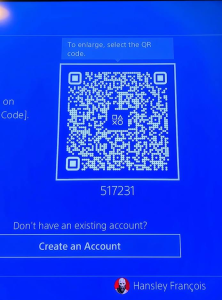
📷 Send me the photo and wait for my confirmation. If code changes , please resend photo
3. Sign In
After I confirm, press Sign In.
You will be logged into the account automatically.
4. Return to the Home Screen
Skip any setup screens until you reach the PS5 Home Screen.
5. Enable Console Sharing & Offline Play
Go to:
Settings → Users and Accounts → Other → Console Sharing & Offline Play
Turn Console Sharing & Offline Play ON.
❗ If you receive an error, send me a photo of the error message.
6. Download Your Games
Open:
Game Library → Your Collection
Select your games and start downloading them.
7. Switch Back to Your Profile
As soon as the download starts, switch back to your own PS5 profile.
✅ Always play your games from your own profile.
❌ Do not play from the purchased account.
8. Keep the Purchased Account
Do not delete the purchased account from your console. It is required for your games to work.
9. If Your Games Become Locked
Sign back into the purchased account and enable Console Sharing & Offline Play again.
This usually fixes the issue.
If the problem continues, contact us for assistance.
🛡️ Lifetime Warranty
This digital game account includes a Lifetime Warranty provided by Media Space, as long as the account rules are followed.
📱 WhatsApp Support: 5743 0420
PAYMENT INFO
Payment
- Payment Method: MCB Juice only
- VAT Invoice provided by Media Space Rose Hill.
Ordering
📱 WhatsApp: 5743 0420
To complete the installation, we will need approximately 10 minutes with you in front of your PS5 connected to the Internet.
Digital Installation Hours
🕐 Every day from 13:00 to 21:00
Payment After Installation
✅ You can pay after the game has been successfully downloaded and tested.
Warranty
🛡️ Lifetime Warranty provided by Media Space, subject to our digital account terms and conditions.
Warranty
🛡️ Lifetime Warranty
Your purchase includes a Lifetime Warranty from Media Space.
To keep your warranty valid, simply play the game only from your own PS5 profile. The purchased account is only for downloading and verifying the game. Do not use the purchased account to play.
As long as you follow these instructions and keep the purchased account on your console, you should never experience any issues.
If you ever need assistance, simply WhatsApp us on 5743 0420. Our team will be happy to help.
🔒 If Your Game Is Locked
Don’t worry—this can occasionally happen and is usually very easy to fix.
- Switch to the profile used to install the game.
- Go to Settings → Users and Accounts → Other.
- Select Console Sharing & Offline Play and make sure it is enabled.
- Switch back to your own profile and try launching the game again.
If the game is still locked, simply WhatsApp us on 5743 0420.
We’ll log the account back in for you and get everything working again. This issue is rare, but if it does happen, we’re ready to help and will resolve it as quickly as possible.
Related products
-
Accessories & Gadgets, Light Decorative item, NEW PRODUCTS
Icon lights XL by PALADONE Sony official licensed
 Accessories & Gadgets, Light Decorative item, NEW PRODUCTS
Icon lights XL by PALADONE Sony official licensed
Icon lights XL by PALADONE Sony
1 Year warranty.
After sales services availableDelivery available for cash payment only. For credit facilities must come to shop.
- FOR CREDIT SHOP CONDITION APPLIES.
-Client must come on the spot with ID and required Documents. - -Dated Original quotation will be provided.
- -**Quotation via email is not accepted **
OPTION 1 : For registered Customer CIM/Rogers
VIA CIM/Rogers :Rs.119 monthly with 0 deposit
- Note for this option
-YOU NEED TO ALREADY BE A REGISTERED CLIENT TO CIM
– YOU NEED TO HAVE NO LATE PAYMENT - -ALL UNPAID ITEMS MUST BE COMPLETED.
OPTION 2 :FOR NEW CUSTOMER
-Via CIM/Rogers :Rs.95 monthly with deposit Rs.857
Documents required for Cim/Rogers application. (NEW CUSTOMER REQUIREMENT)
- (i) ID CARD
- (ii) Proof of address [incase the address is not on your family name: Birth certificate will be required]
- (iii) Payslip last 3 month
- (iV)Letter of confirmation from your workplace.
- (V)Bank statement last 3 month –not required but will help process your application faster–
- (vi)Deposit 20% required
1 Year warranty + After sales service
WhatsApp 57430420 for any info
SKU: n/a - FOR CREDIT SHOP CONDITION APPLIES.
-
Gaming Headset, NEW PRODUCTS
VERTUX Multi-Function Hub HexaRack
Product details
- Package Dimensions : 33.9 x 20.6 x 19 cm; 680 Grams
- ASIN : B08XR9WM65
- Item model number : HexaRack
- 3-in-1 Multipurpose design
- Throne for Headsets
- 7.1 Surround Sound Card Built In
- 12 Pre-loaded RGB Lights
SKU: n/a