
FC 27 Standard Edition PS5 Shared Account system Digital
₨2,850.00 ₨3,894.00


Product description
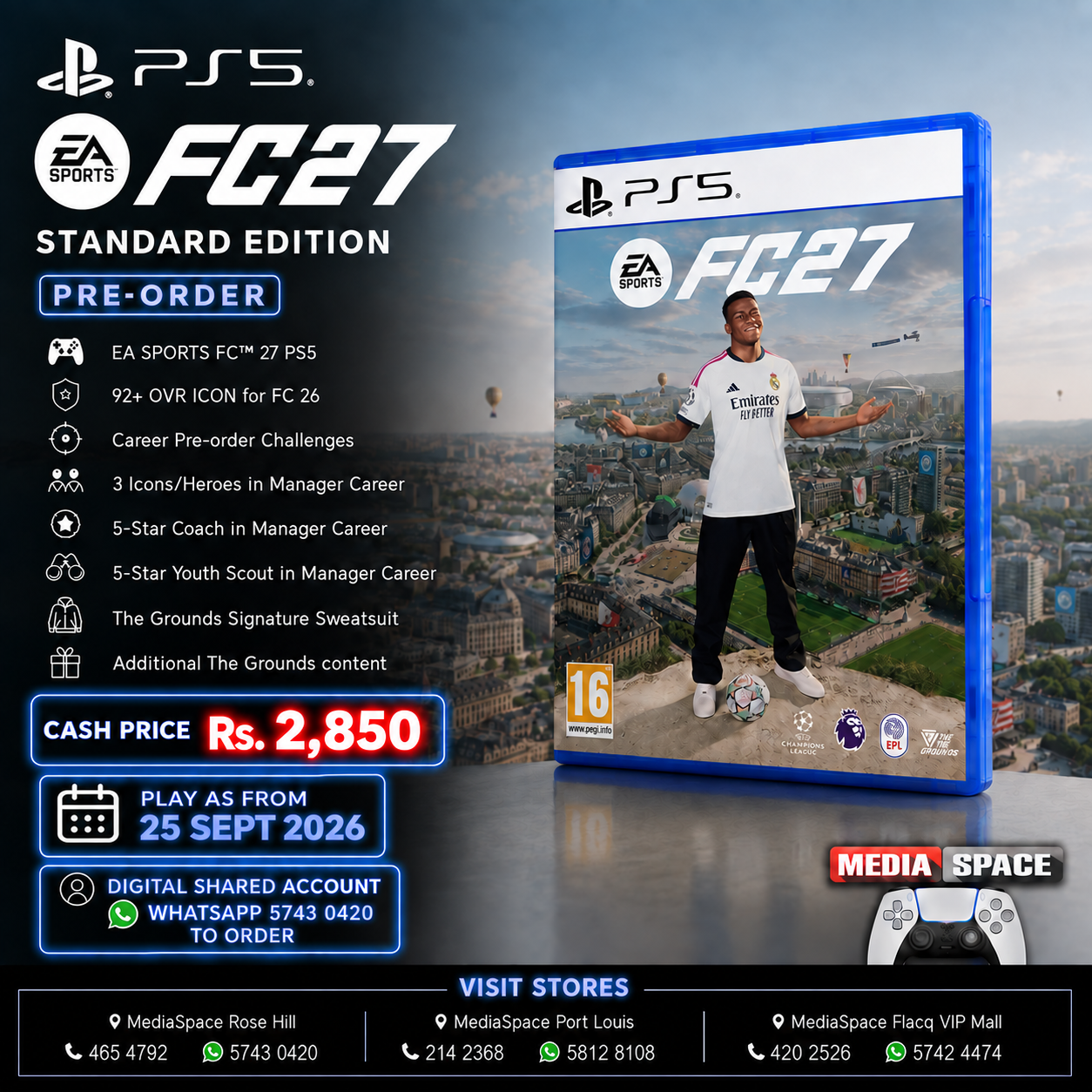
EA SPORTS FC™ 27 – Standard Edition
Welcome to The World’s Game.
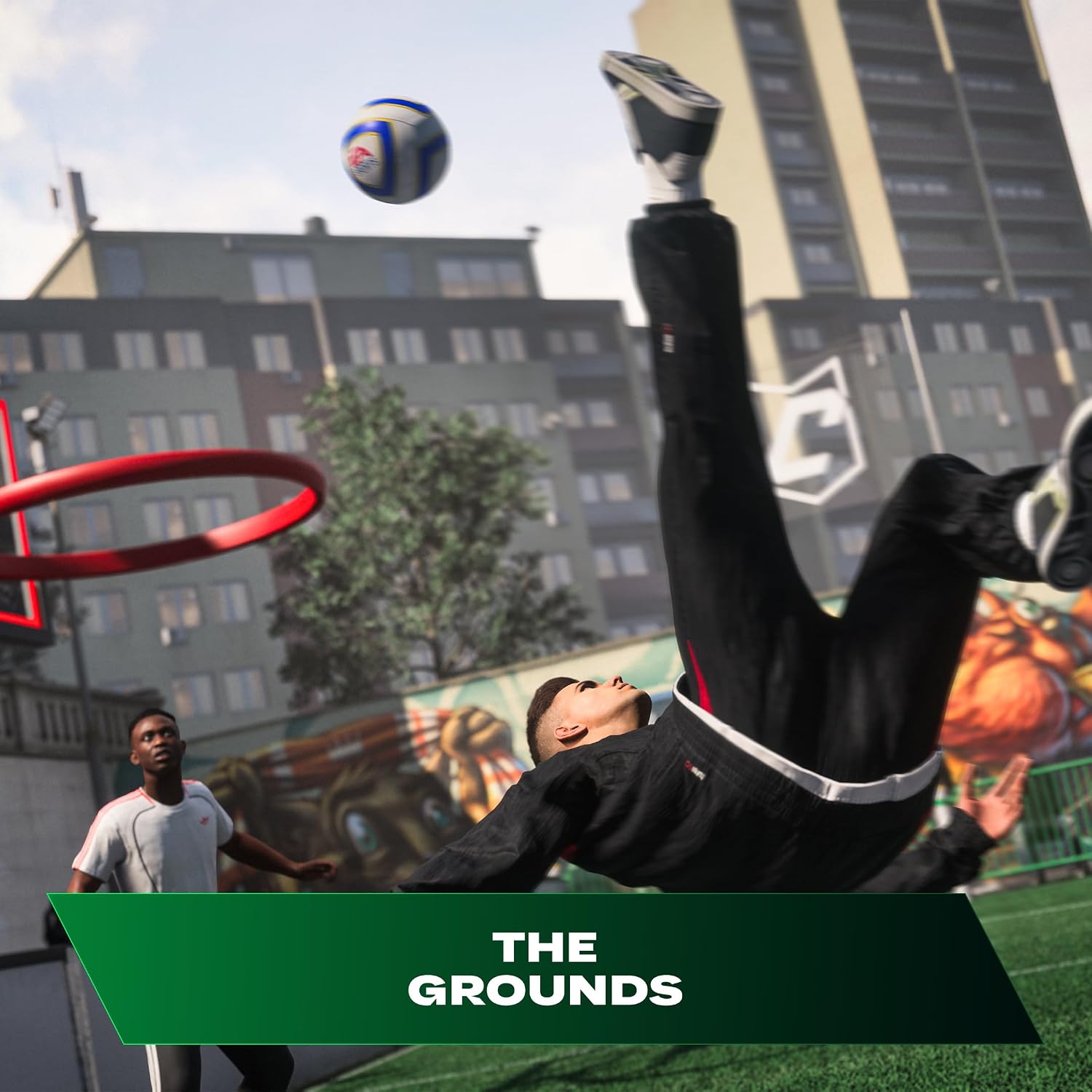
Experience football like never before in EA SPORTS FC™ 27. Step into The Grounds, a dynamic social football playground where the streets meet the stadium. Whether you’re playing Kickabouts, competing in 1v1 matches or teaming up with friends in Clubs, connect with legendary football mentors, sharpen your skills and express your style both on and off the pitch.
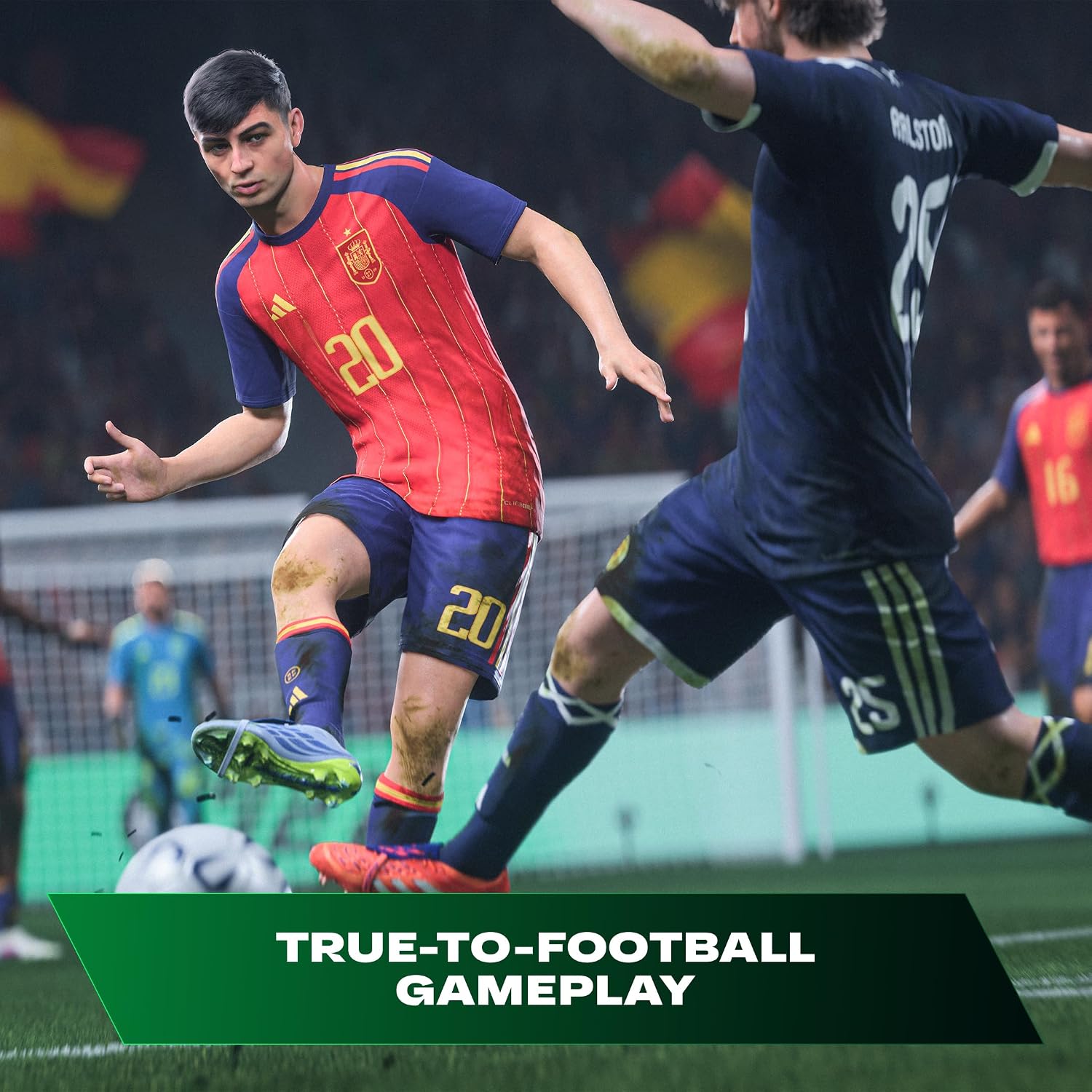
Enjoy more fluid, responsive gameplay across every mode with dynamic corners, enhanced attacking intelligence, player-focused defending built for competitive play and gameplay innovations inspired by community feedback, giving you greater control in every match.
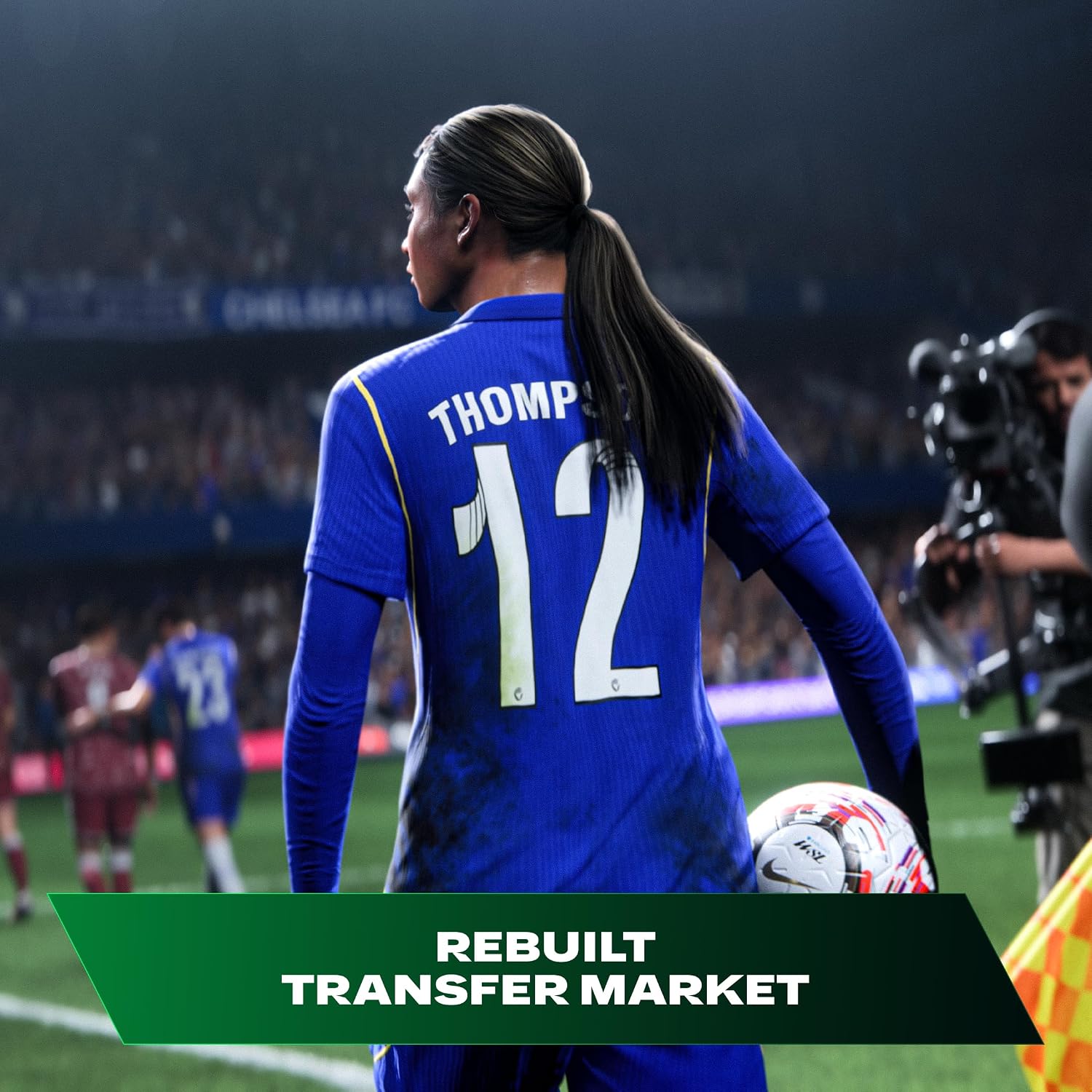
Write your own football story in Manager Career with a rebuilt Transfer Market featuring realistic player values, active club bidding and expanded negotiation options, including performance-based and buy-back clauses. Dynamic OVRs evolve throughout the season based on player form, morale and fitness, making every signing and squad decision count.
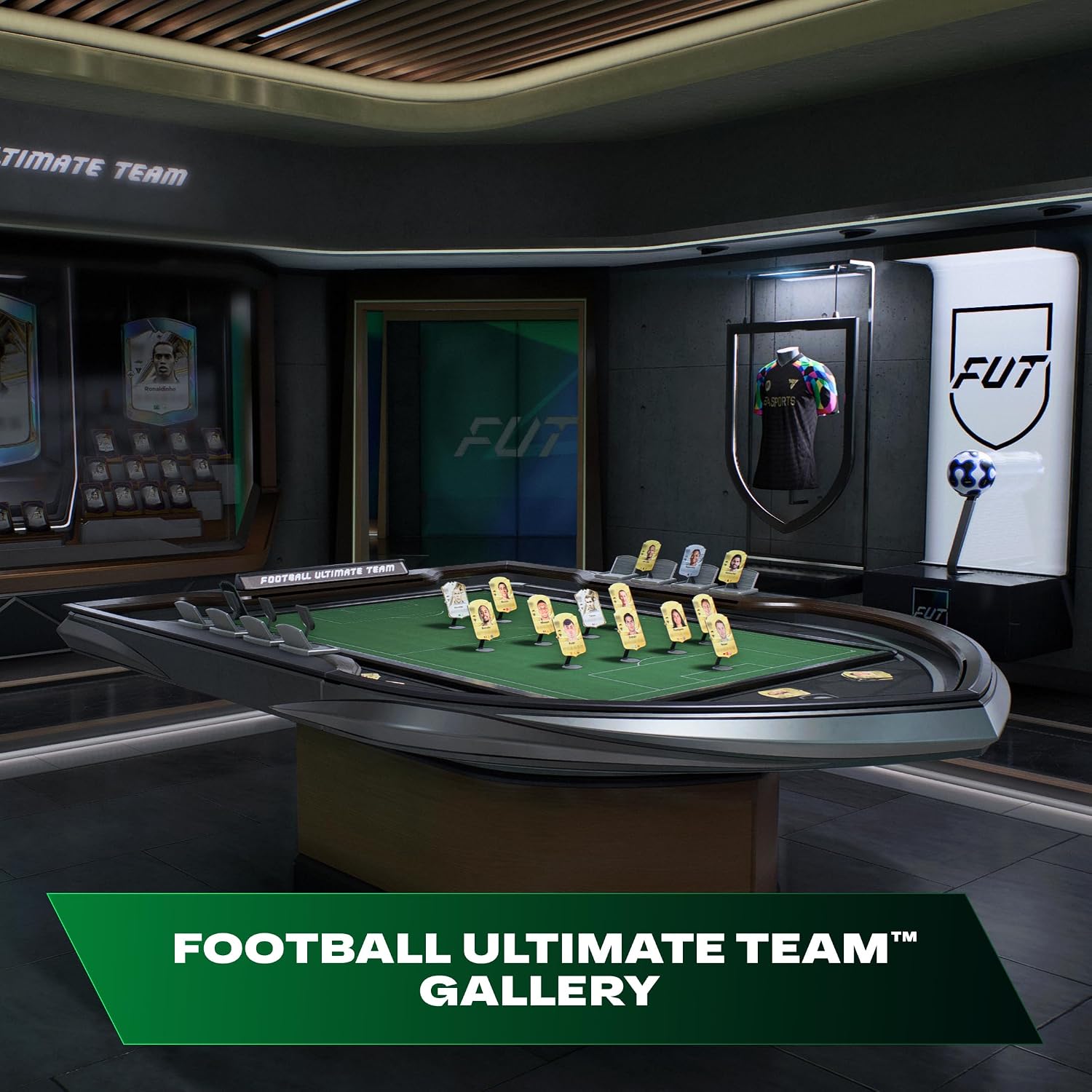
Build your dream squad in Football Ultimate Team™ and celebrate your greatest achievements with the all-new FUT Gallery. Collect your favourite Player Items, increase your Gallery Level, unlock rewards and shape your Club’s identity throughout the football season.
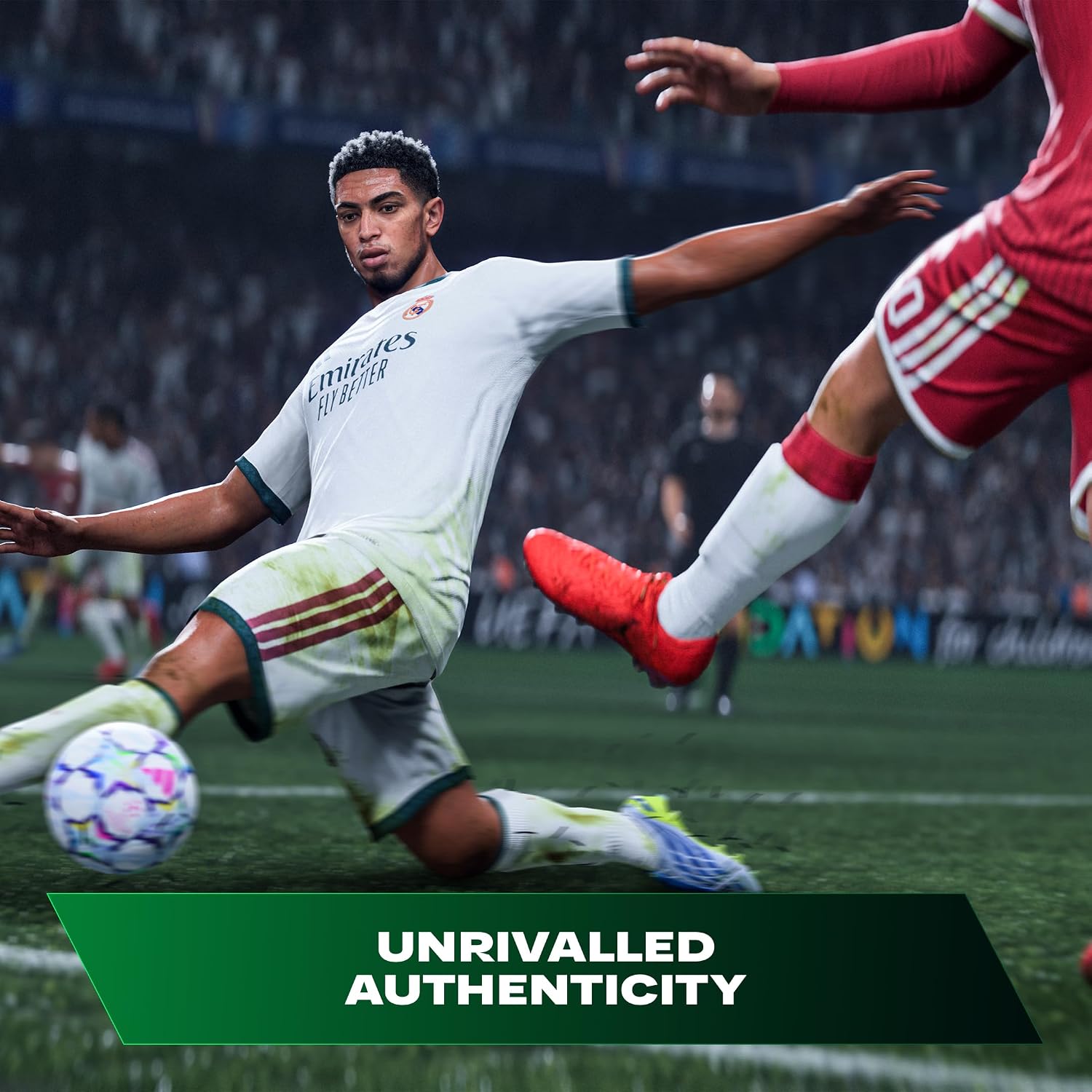
Powered by match data from the world’s leading competitions, EA SPORTS FC™ 27 delivers unrivalled authenticity with more than 21,000 licensed players, bringing The World’s Game to life with unmatched realism.
Important Information
This game includes optional in-game purchases of virtual currency that can be used to acquire virtual in-game items, including a random selection of virtual in-game items.
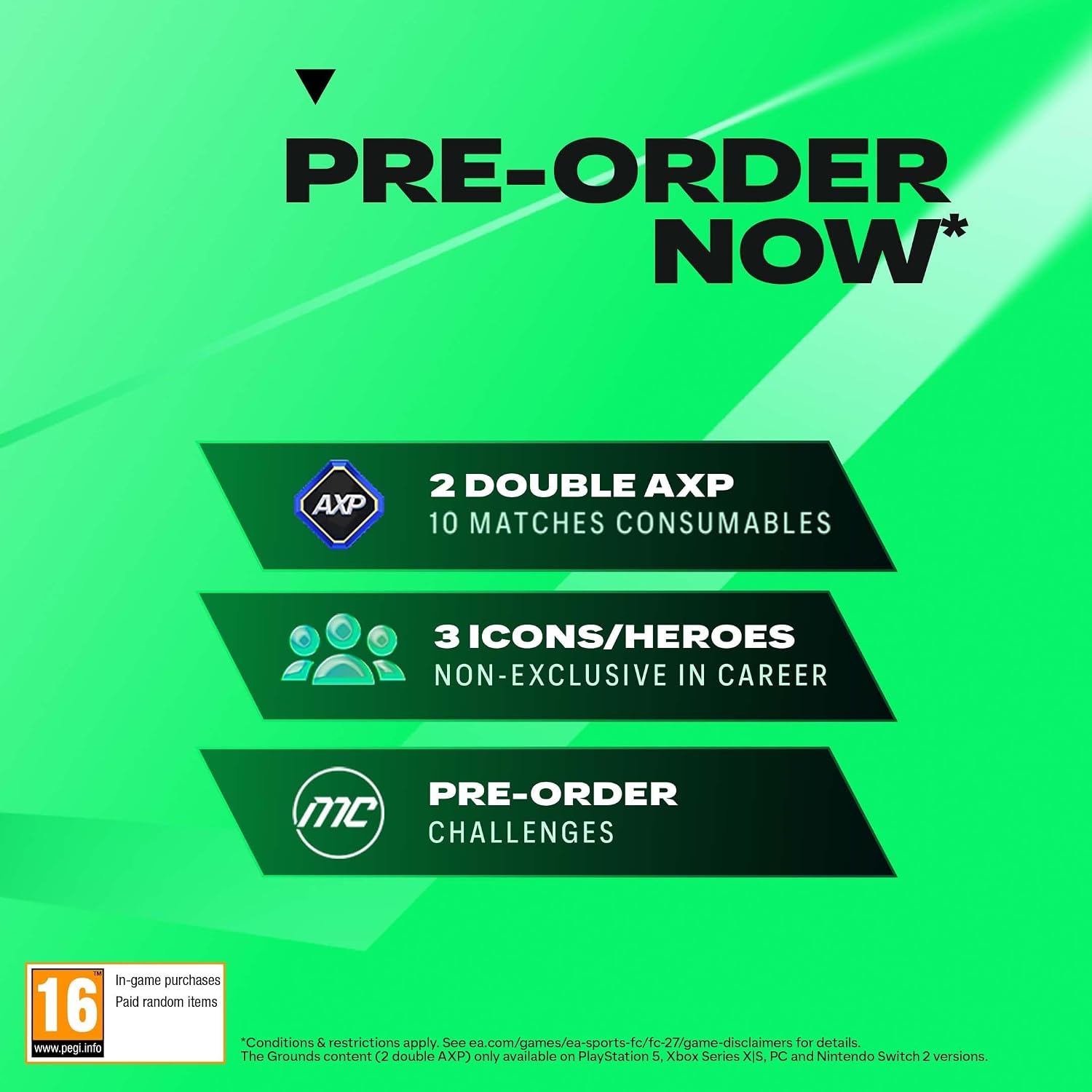
The Grounds mode, including Clubs, only available on PlayStation 5, Xbox Series X|S, PC and Nintendo Switch 2 versions.
Internet connection, EA Account, acceptance of the EA User Agreement (terms.ea.com), acceptance of the Privacy & Cookie Policy (privacy.ea.com), and installation of the EA app (ea.com/ea-app) are required to play. Access to software content is limited to one EA Account and is non-transferable after purchase. You must be 13+ to access online features. EA may provide free incremental content and/or updates. Mandatory updates may be downloaded automatically, may incur broadband charges and require additional storage or purchase to access. Product collects data for in-game advertising. EA may retire online features after 30 days’ notice at ea.com/service-updates. FC Points purchase is not available in Belgium and South Korea.
‡ Conditions and restrictions apply. See ea.com/games/ea-sports-fc/fc-27/game-disclaimers for details.
Text and audio commentary for languages other than English and the selected EA app language require a separate download.
© 2026 Electronic Arts Inc. Electronic Arts, EA, EA SPORTS, the EA SPORTS logo, EA SPORTS FC, the EA SPORTS FC logo, Football Ultimate Team, and FUT are trademarks of Electronic Arts Inc.
HOW DOES IT WORK
🎮 PS5 Digital Game Setup Guide
1. Add the Account
From the PS5 Home Screen, open your Profile and go to:
Switch User → Add User → Get Started → Agree & Confirm
2. Send the QR Code Photo
When the QR Code appears, take a clear photo of the entire screen, making sure the 6-digit code below the QR code is visible.
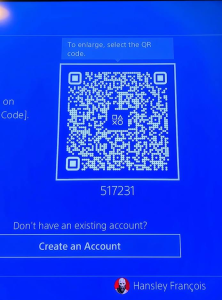
📷 Send me the photo and wait for my confirmation. If code changes , please resend photo
3. Sign In
After I confirm, press Sign In.
You will be logged into the account automatically.
4. Return to the Home Screen
Skip any setup screens until you reach the PS5 Home Screen.
5. Enable Console Sharing & Offline Play
Go to:
Settings → Users and Accounts → Other → Console Sharing & Offline Play
Turn Console Sharing & Offline Play ON.
❗ If you receive an error, send me a photo of the error message.
6. Download Your Games
Open:
Game Library → Your Collection
Select your games and start downloading them.
7. Switch Back to Your Profile
As soon as the download starts, switch back to your own PS5 profile.
✅ Always play your games from your own profile.
❌ Do not play from the purchased account.
8. Keep the Purchased Account
Do not delete the purchased account from your console. It is required for your games to work.
9. If Your Games Become Locked
Sign back into the purchased account and enable Console Sharing & Offline Play again.
This usually fixes the issue.
If the problem continues, contact us for assistance.
🛡️ Lifetime Warranty
This digital game account includes a Lifetime Warranty provided by Media Space, as long as the account rules are followed.
📱 WhatsApp Support: 5743 0420
PAYMENT INFO
Payment
- Payment Method: MCB Juice only
- VAT Invoice provided by Media Space Rose Hill.
Ordering
📱 WhatsApp: 5743 0420
To complete the installation, we will need approximately 10 minutes with you in front of your PS5 connected to the Internet.
Digital Installation Hours
🕐 Every day from 13:00 to 21:00
Payment After Installation
✅ You can pay after the game has been successfully downloaded and tested.
Warranty
🛡️ Lifetime Warranty provided by Media Space, subject to our digital account terms and conditions.
Warranty
🛡️ Lifetime Warranty
Your purchase includes a Lifetime Warranty from Media Space.
To keep your warranty valid, simply play the game only from your own PS5 profile. The purchased account is only for downloading and verifying the game. Do not use the purchased account to play.
As long as you follow these instructions and keep the purchased account on your console, you should never experience any issues.
If you ever need assistance, simply WhatsApp us on 5743 0420. Our team will be happy to help.
🔒 If Your Game Is Locked
Don’t worry—this can occasionally happen and is usually very easy to fix.
- Switch to the profile used to install the game.
- Go to Settings → Users and Accounts → Other.
- Select Console Sharing & Offline Play and make sure it is enabled.
- Switch back to your own profile and try launching the game again.
If the game is still locked, simply WhatsApp us on 5743 0420.
We’ll log the account back in for you and get everything working again. This issue is rare, but if it does happen, we’re ready to help and will resolve it as quickly as possible.
Related products
-
Game Accessory, NEW PRODUCTS, Summer Sales 2025
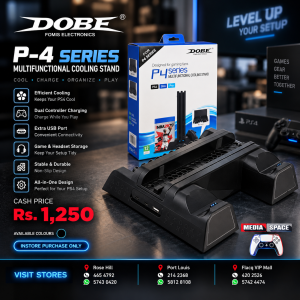
DOBE P-4 Series Multifunctional Cooling Stand
📝 DESCRIPTION
The DOBE P4 Series Multifunctional Cooling Stand is an all-in-one PlayStation 4 accessory designed to keep your gaming setup cool, charged and organized. 🎮❄️ It combines a vertical console stand, cooling system, dual controller charging station, game storage and USB expansion in one compact unit.
Designed for PS4, PS4 Slim and PS4 Pro, the stand securely holds the console vertically while its integrated cooling fans help circulate air around the system during extended gaming sessions. Non-slip EVA contact points help protect the console against scratches and movement.
The integrated charging station can charge two original DualShock 4 controllers simultaneously, while 12 game-disc storage slots provide a convenient place to organize your favorite PS4 titles. 🎮🔋💿
SKU: n/a -
NEW PRODUCTS, PlayStation 4 PS4 DISC GAMES
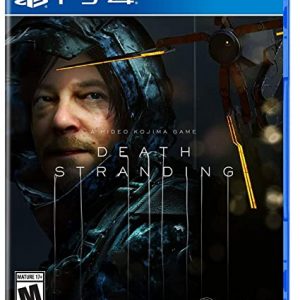
DEATH STRANDING
NEW SEALED IN BOX
WhatsApp 57430420 or call 4654792 or 4656278 or 2142368
You can also message us on Facebook or Instagram account name mediaspace.mu
Games can be bought via Cash/Juice/CIM/Rogers.
We also offer delivery services Rs.250 anywhere in Mauritius in less than 48Hoursor by Post office for Rs.90 within 5 working days
SKU: n/a